How do I make my website load faster?
Find out which kind of slow your site has before fixing anything. Slow to appear and slow to respond have different causes.
TL;DR
First find out which kind of slow you have. If the page takes too long to appear, shrink your images, remove apps you do not use and check your hosting. If it appears quickly but lags when tapped, the usual cause is scripts such as chat widgets and trackers. Measure real phones, free, with Google PageSpeed Insights.
Last updated 24 September 2026. Written by Oyekola Obajuwon, founder of Growveloper, who builds the website, the marketing and the follow up for owner run businesses in Nigeria, the United States and the United Kingdom.
First find out which kind of slow you have. If the page takes too long to appear, shrink your images, remove apps you do not use and check your hosting. If it appears quickly but lags when tapped, the usual cause is scripts such as chat widgets and trackers. Measure real phones, free, with Google PageSpeed Insights.
That first step is the one most speed advice skips, and it is why owners spend a weekend compressing photos and end up with a site that still feels slow.
What does "slow" actually mean for my website?
When a customer says your site is slow, they mean one of three things, and Google measures each one separately.
The page takes forever to show up. The page shows up, but when they tap a button nothing happens for a moment. Or the page jumps around while it loads, and they tap the wrong thing.
Google calls these its Core Web Vitals, and its web.dev guide to the vitals sets a target for each, judged on the slowest quarter of real visits rather than the average. The names are technical. The experiences are not.
Three kinds of slow, and the target Google sets for each
| What your customer feels | Google's name for it | Good is |
|---|---|---|
| It takes forever to show upBig images, slow hosting | Largest Contentful Paint | 2.5 seconds or less |
| I tap and nothing happensToo many scripts running | Interaction to Next Paint | 200 milliseconds or less |
| It jumped and I tapped the wrong thingImages and ads with no reserved space | Cumulative Layout Shift | 0.1 or less |
Most of the advice you will find is about the first row. The second row is the one that catches sites that look fine.
How do I check my own site's speed for free?
Open Google PageSpeed Insights, paste your busiest page, and look at the mobile tab.
The page shows two very different things, and it helps to know which is which. The top section, when your site has enough visitors, is real data: how the page performed for actual Chrome users over the previous 28 days. The score lower down is a test run once, on a simulated phone, in a lab.
Google's own explainer on lab and field data puts the difference plainly: a lab test runs on one device, one network and from one place, while field data records every real visitor's experience. Your customers are the field. A phone on a patchy network in Lagos, a builder's tablet in a van in Manchester, an old Android in a car park in Ohio. None of them are in the lab.
If PageSpeed Insights has no real data for your site, that is normal for a small business, and it means the lab score is all you have. Treat it as a direction, not a verdict.
What was slow on our own site?
We should show you ours before telling you how to fix yours.
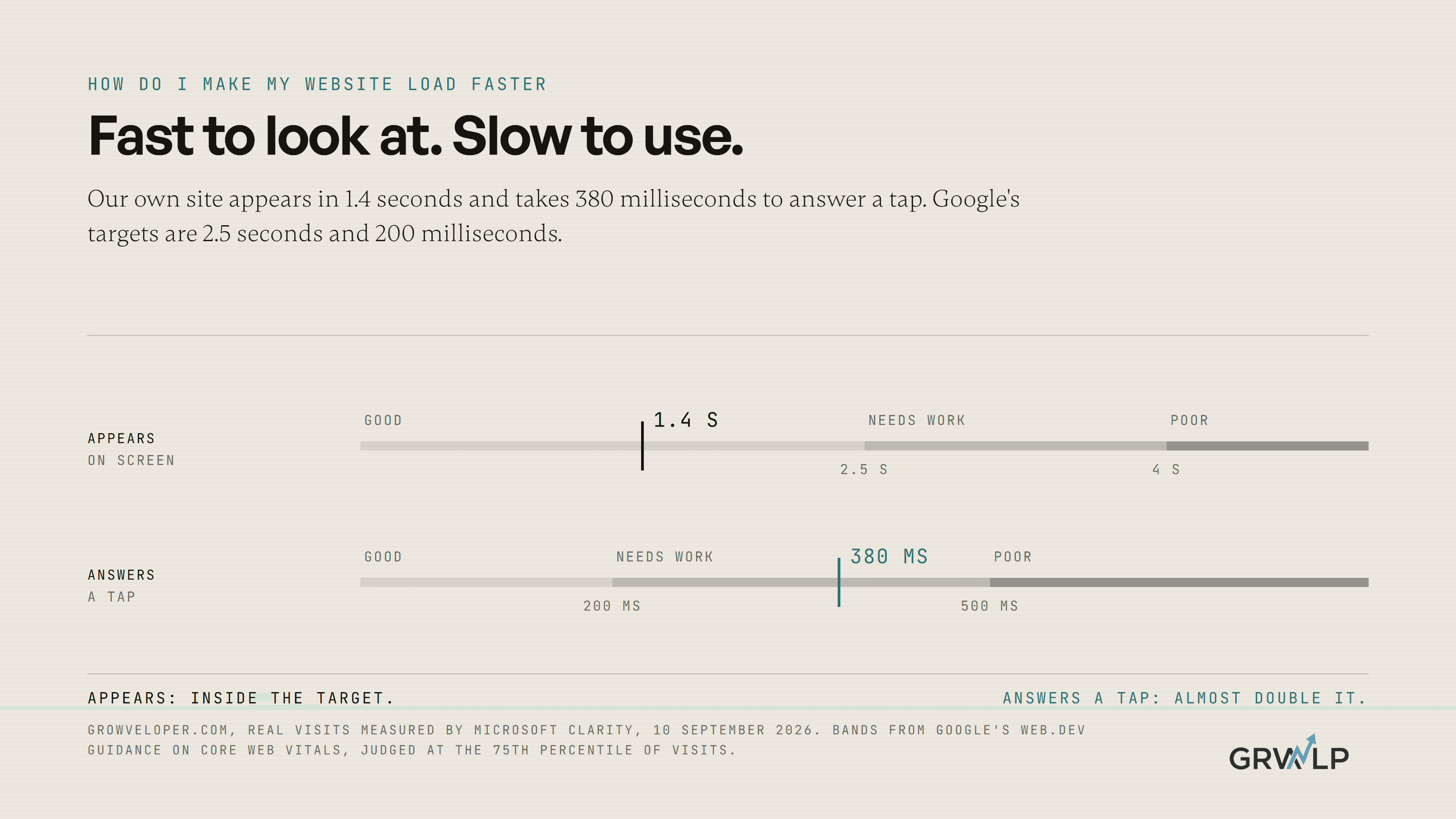
Our web development page says our sites load in 0.9 seconds. That is a lab number, from a test. When Microsoft Clarity measured real visits to growveloper.com on 10 September 2026, the page took 1.4 seconds to appear. That is well inside Google's 2.5 second target. So far, so good.
Then the second number. On the same real visits, the site took 380 milliseconds to respond to a tap. Google's guide to Interaction to Next Paint says anything above 200 milliseconds needs improvement, and anything above 500 is poor. We are almost double the target.
Read that again, because it is the whole point of this article. The same website, on the same day, passes the loading test comfortably and fails the responsiveness test. If we had only followed the usual checklist, compressing images and switching on caching, we would have made the part that already works slightly faster and left the part customers feel untouched.
We have not fixed it yet, and we are not going to pretend otherwise. When we do, this section gets the new number. Meanwhile it is the most useful thing we can show you: a site can be fast to look at and slow to use, and you only find out by measuring both.
We first printed our lab and field numbers side by side in should you use Wix or hire a developer, because the gap between them is where speed claims live, ours included.
What can I fix this afternoon without a developer?
More than you think, and it is mostly about the first kind of slow.
Shrink the big picture at the top
The largest thing on your page is usually a photo, and it is usually far bigger than it needs to be. A photo uploaded straight from a camera or phone is sized for printing, not for a space a few inches wide on a screen. Resize it to the width it actually shows at, save it as WebP if your platform allows, and upload it again. Google's guide to making the main content appear faster puts image size near the top of its list for a reason.
Remove the apps, plugins and widgets you do not use
Every app installed on a Wix or Shopify site and every plugin on WordPress can add code to every page. Open the list and ask of each one: did anyone use this in the last three months? If not, remove it and measure again.
Replace the slider or background video with one image
A rotating banner or an autoplaying video at the top of the page asks the phone to download several large files before the visitor has read a word. One strong image and one clear sentence does the same job with a fraction of the weight.
Know what your builder will not let you change
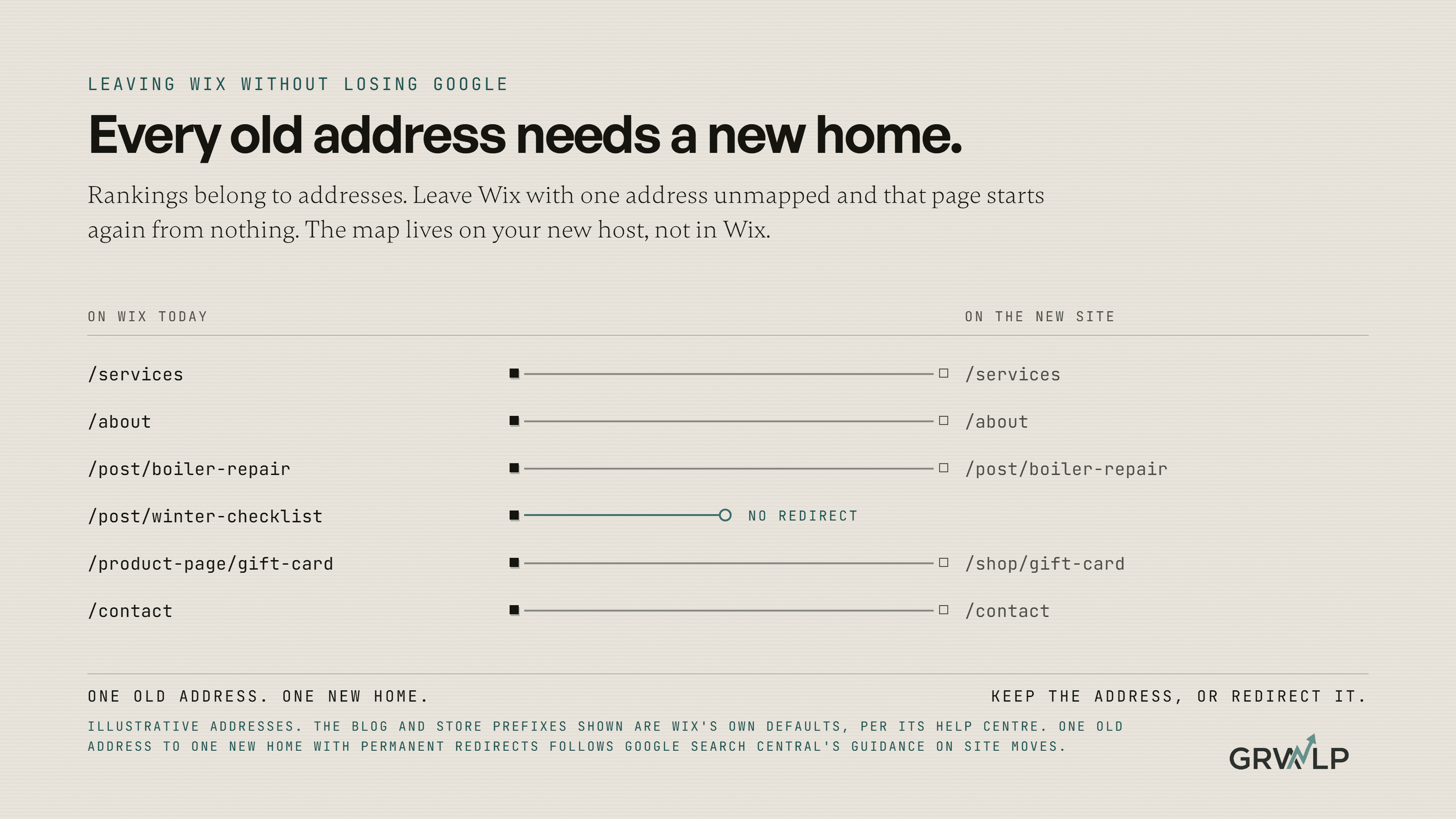
On Wix and Squarespace you cannot choose your hosting, change how the code is delivered, or remove the platform's own scripts. That is not a failure on your part. It is the ceiling of the platform. The VIP Creative Studio site started life as a single Wix landing page before it was rebuilt on a system where every part of the page could be changed. If you hit that ceiling, the question becomes whether to stay, which we cover in how to move off Wix without losing rankings.
What needs a developer?
Three things, and they are the ones that decide the second kind of slow.
The first is server response time: how long your host takes to start sending the page at all. If that is slow, no amount of image work will hide it, and the fix is a better host or caching set up properly.
The second is the order the page loads in. A developer can tell the browser to fetch the main image first, delay code that is not needed until later, and stop one script from blocking everything behind it.
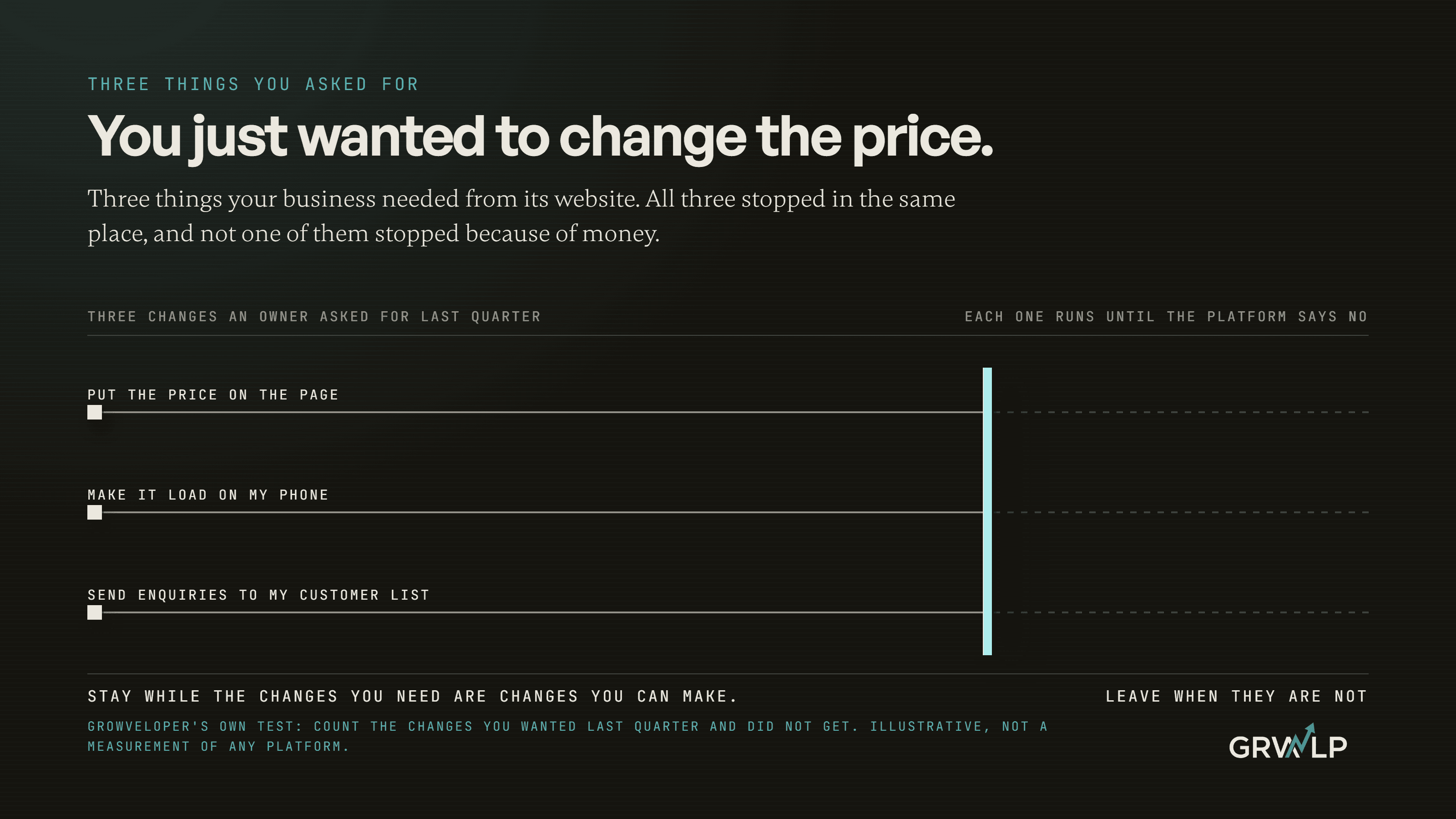
The third is the tap delay. When a visitor taps, the phone has to finish whatever code it is running before it can respond. Long pieces of code, often from tools added over the years, make it wait. Fixing that means finding which script is doing the work and breaking it up, delaying it, or removing it. It is detective work, and it is the work our own site still needs.
Why do chat widgets and trackers make my site feel slow?
Because they run on the same phone, at the same time, as your customer's taps.
The Web Almanac's 2024 study of millions of websites found that 92% of pages load at least one third party resource: code from another company, such as a chat bubble, an analytics tag, an advertising pixel, a review widget or a booking embed. Each one is usually added for a good reason. Marketing advice tells you to add most of them.
Each also asks the visitor's phone to do work. On a new phone on fast internet you barely notice. On a mid range phone on a busy network, which is what plenty of real customers in Lagos, Leeds and Louisville are holding, they queue up in front of the tap your customer just made.
The honest test is simple. List every tool on your site that came from another company. For each one, name the decision it helps you make. Any tool you cannot name a decision for is costing your visitors time and giving you nothing back.
Does site speed affect my Google ranking?
Yes, but less than most people selling speed work suggest.
Google's page on page experience says Core Web Vitals are used by its ranking systems, and in the same breath says Google will always show the most relevant content even when its page experience is poor. In plain terms: speed helps you beat a page that is equally good, and it will not rescue a page that does not answer the question.
The bigger reason to care is not Google at all. It is the person on the page. A slow site loses people before they read your offer, and a site that ignores taps makes a ready buyer feel like the button is broken. That shows up in enquiries, which is where we would start looking if your website is not producing leads.
How fast is fast enough?
Google's three targets are a sensible finish line: the page appears within 2.5 seconds, responds to a tap within 200 milliseconds, and does not jump around. Hit all three on your busiest mobile page and further speed work is usually worth less than work on your offer, your reviews or how fast you reply.
The part to watch is that all three are measured on real visits. A perfect lab score with a slow field number means you are fast on a test phone and slow on your customers'.
Where do I start this week?
In this order.
Run PageSpeed Insights on your busiest page, mobile tab. Write down which of the three rows fails. If it is the first, do the afternoon list: shrink the top image, remove unused apps, replace the slider. If it is the second, list every outside tool on the site and remove one you cannot justify, then measure again. If you are on a builder and nothing moves, that is your platform's ceiling talking.
If you would rather have someone do it, our Growth Audit measures page speed and Core Web Vitals along with the rest of your site and ranks what to fix first. We should be plain that we build websites and sell that audit. The free test above will tell you most of what you need either way.
Whatever you find, keep the number from your customers' phones, not the one from the lab. It is the only speed anyone who might buy from you will ever feel.
“A page can be fast to look at and slow to use. Most speed advice only fixes the first.”
Written by Oyekola Obajuwon