How do I track enquiries from my website in Google Analytics?
How to make Google Analytics count every form, call tap and WhatsApp tap as an enquiry, and the one test that proves it works.
TL;DR
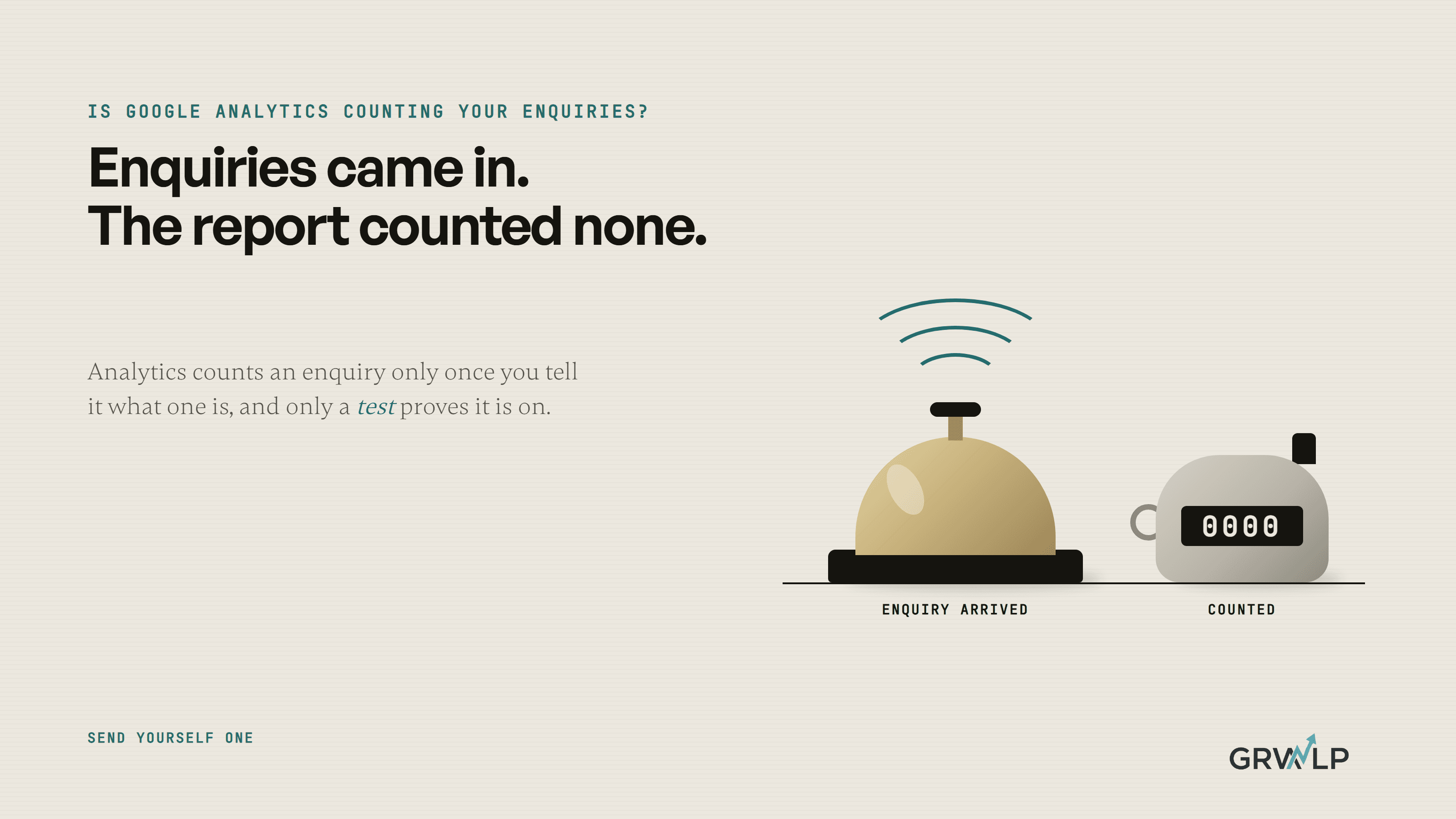
Google Analytics does not count enquiries until you tell it what one is. Mark a thank you page visit, a phone tap and a WhatsApp tap each as a key event, then send yourself a test enquiry and watch it arrive in the Realtime report. If it does not appear there, do not trust the monthly numbers.
Last updated 21 October 2026. Written by Oyekola Obajuwon, founder of Growveloper, a growth studio that builds the website, the marketing and the follow up for owner run businesses in the United States, the United Kingdom and Nigeria.
Google Analytics does not count enquiries until you tell it what one is. Mark a thank you page visit, a phone tap and a WhatsApp tap each as a key event, then send yourself a test enquiry and watch it arrive in the Realtime report. If it does not appear there, do not trust the monthly numbers.
That last step is the one every setup guide skips, and it is the one that matters. A counter that is switched off looks exactly like a quiet month. This page shows what to count on a small business site, how to count each kind of enquiry, and how to prove the counter is on.
Why doesn't Google Analytics show my enquiries already?
Because out of the box it counts visits, not enquiries. It records page views by itself, and it has a setting that records forms, but that setting is not built for the question you are asking.
Google's list of enhanced measurement events says its automatic form event is recorded when the user submits a form. Pressing send and a message reaching your inbox are not the same thing. A form that fails, a newsletter signup, a search box: all of them can look like a submitted form. The analytics trainers at Loves Data put it plainly in their guide to enhanced measurement: "Form interaction tracking in enhanced measurement is limited and not highly reliable out-of-the-box."
A pressed button is not an enquiry. An enquiry is a message that arrived.
And on most owner run sites, a good share of enquiries never touch a form at all. They are a tap on the phone number or a tap on the WhatsApp button.
What counts as an enquiry on a small business website?
Usually three things, and each needs its own counter.
What to count for each kind of enquiry
| Enquiry | What to count | How |
|---|---|---|
| Contact or quote form | A visit to the thank you page | An event made from that page's visit |
| Phone number | A tap on the phone link | A click event, set up in Tag Manager |
| WhatsApp button | A tap on the WhatsApp link | A click event with its own name |
A roofer in Ohio may get most work by phone. A clinic in Lekki may get most of it on WhatsApp. A plumber in Leeds may get both and a form. If you count only one of the three, you are counting only part of your work, and you will make decisions on that part. Our page for local service businesses shows how the three fit together on a trade site.
How do I count form enquiries in Google Analytics?
Send everyone who submits the form to a thank you page, and count visits to that page. Only someone whose form went through ever sees it.
Google Analytics can do this without any code. Google's guide to creating events walks through it: in Admin, under Data display, open Events, create a new event, base it on the page view event and give it the address of your thank you page. Name it something you will recognise in a year, like quote_request.
- Make sure your form sends people to its own thank you page with its own address.
- Create the event from that page's visit, as above.
- Turn on the key event switch while you create it.
- Send a test enquiry (more on that below).
If your form shows a message on the same page instead of moving to a new one, your developer or your form tool has to send the event when the message is accepted. Ask for exactly that: an event that fires on a successful send, not on a button press.
How do I count phone calls and WhatsApp taps?
Count the tap. Analytics cannot hear the call, so the honest name for this number is tapped to call, not called.
Do not rely on the automatic outbound click setting for this. Google defines it as a click on a link that "leads away from the current domain and to another website", which is built for links to other sites, not for a phone number. Set up a click event for links that start with tel: and a separate one for WhatsApp links, which start with wa.me or api.whatsapp.com. Google Tag Manager does this with a click trigger. Keep the two apart, because a WhatsApp tap and a phone tap lead to different follow up.
For calls, add one question to how you answer the phone: how did you find us? It is the only way to join a tap on your site to a call you actually took, short of paying for a call tracking number.
How do I mark them as key events?
A key event is Google Analytics' name for an action that matters to your business. Google used to call these conversions, and its page on conversions and key events now keeps that word for what its ads count.
Once an event has come in at least once, open Admin, then Events, and in Google's words, "Mark the event as a key event by clicking the star icon next to it." Google's page on key events sets the limits. A standard property can have up to 30 key events, which is far more than an owner run site needs. Standard reports can take up to 24 hours to show a newly marked one. And it only counts from the moment you mark it; Google says it does not change historic data. Last month's enquiries will not appear by marking them today.
How do I know the tracking actually works?
Send yourself an enquiry. Then watch it arrive.
Open the Realtime report in Google Analytics on your computer. On your phone, fill in your own form, tap your own phone number and tap your own WhatsApp button. Within a few minutes, each one should show up in Realtime under its event name. If one does not, that counter is off, whatever the setup guide said.
We learned why this matters on our own site. In September 2026 we found our Google Analytics had recorded nothing since the day it was set up. The cookie banner passed each visitor's yes in a format Google Tag Manager did not read, so every visit arrived marked as declined. Nothing looked broken. Microsoft Clarity, which loads separately, showed visits the whole time, and that gap is how we caught it. After the fix, the first thing we did was visit the site and watch the visit land in Realtime.
A month with no enquiries and a month where the counter was off look identical in a report. The test is the only thing that tells them apart.
Why is the number in Google Analytics lower than my inbox?
Because Analytics only fully records the visitors it is allowed to.
If your site asks visitors to accept cookies first, the ones who say no are not counted in the normal way. Google can estimate them, but only past a size most small sites never reach. Its page on consent modelling requires, among other things, at least 1,000 daily users who said yes, on at least 7 of the previous 28 days.
So treat the two numbers as two jobs. Your inbox, your phone log and your WhatsApp chats are the total: that is how many enquiries you got. Google Analytics is the map: which pages, searches and ads they came from. When the map shows fewer than the inbox, that is normal. When it shows zero and the inbox does not, run the test above.
Once both are counting, the monthly numbers become worth reading. Our guide to what a monthly marketing report should contain puts enquiries at the top, and our guide to a good conversion rate for a small business website shows what to compare them with.
Who should set this up?
If your site has one form and a phone number, an afternoon with the steps above is enough. If it has several forms, a booking tool and ads running, have someone who does this every week set it up and hand you the test.
When we started with Baye Business Solutions, the case study records the starting point in three short lines: "No analytics. No Google tracking. No intake forms." We set up Google Analytics and Microsoft Clarity alongside the rebuild and trained their marketing team to read them, because tracking that only the builder understands stops being used the week the builder leaves.
Tracking is part of how we run growth marketing, and once enquiries are counted, the next step is improving how many visitors become one. If you would rather someone checked yours, a free 30 minute call is enough to find out whether your counter is on.
Send yourself an enquiry this week. If you cannot watch it arrive, you are not counting yet.
“A pressed button is not an enquiry. An enquiry is a message that arrived.”
Written by Oyekola Obajuwon
google analytics · track form submissions · key events · ga4 conversion tracking · phone call tracking · whatsapp click tracking · small business website