What should a small business automate first?
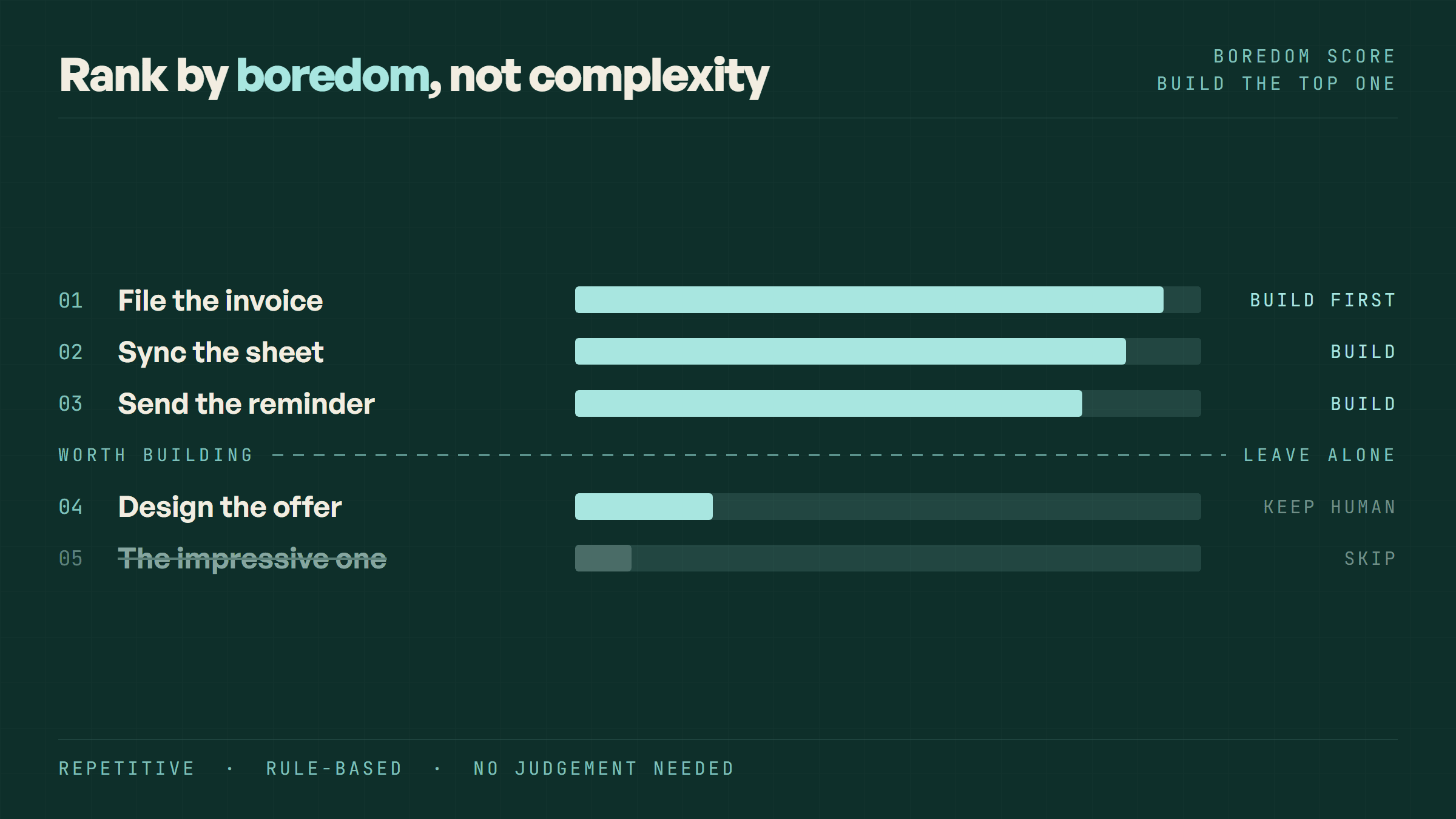
The right first automation is the most boring task on your list, not the most impressive one, and it is usually one of four things.
TL;DR
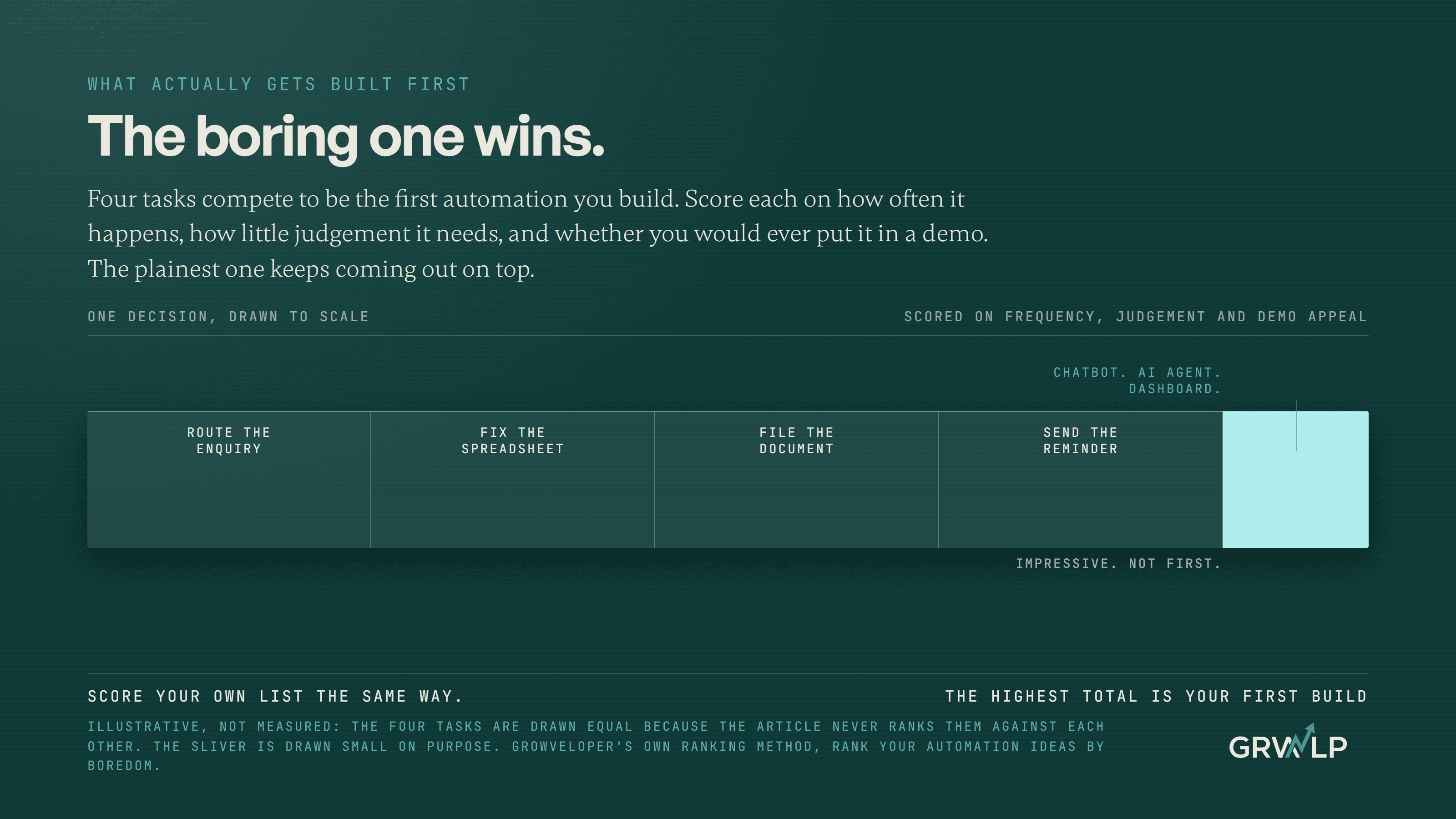
The task that scores highest in most small businesses is one of four things: routing a new enquiry straight to a person, keeping the one shared spreadsheet accurate, filing a document the moment it exists, or sending the reminder nobody enjoys sending. Score your own list on how often each happens and how little judgement it needs.
Last updated 16 September 2026. Written by Oyekola Obajuwon, founder of Growveloper, who builds the website, the marketing and the follow up for owner run businesses in Nigeria, the United States and the United Kingdom.
The task that scores highest in most small businesses is one of four things: routing a new enquiry straight to a person, keeping the one shared spreadsheet accurate, filing a document the moment it exists, or sending the reminder nobody enjoys sending. Score your own list on how often each happens and how little judgement it needs.
None of those four will impress anybody. That is the point, and the rest of this page is the scoring method, the four tasks themselves, and the two mistakes that waste the most money on this decision.
What does it mean to automate the "first" thing?
It means picking the task that pays back fastest, not the task that sounds most advanced.
Most owners already have a list. A chatbot for the website. An AI agent that drafts replies. A dashboard that reports itself. Every one of those is a real thing to build eventually, and none of them is usually the right place to start, because none of them is the task actually costing you money right now. The first automation is not a technology choice. It is a prioritisation problem, and it gets solved with a method, not a shopping list.
How do you score which task to automate first?
Write down every task you or somebody on your team does by hand and would rather not. Then score each one on four questions.
How often does it happen. Daily beats weekly, weekly beats monthly, and a task you do four times a year will never repay the time it takes to automate it.
How much judgement does it need. Zero is best. If the task needs taste, or knowing that this particular customer is having a hard month, it belongs with a person, not a workflow.
What happens when it gets skipped. Some tasks quietly go undone and nobody notices for weeks. Those are the expensive ones, because the cost is hidden.
Would you ever put it in a demo. If the honest answer is yes, move it down the list. This sounds like a joke and it is the most reliable question on the list, because impressive and valuable pull in opposite directions here.
Add the scores. The highest total is your first build, and it will be dull. That is the signal working, not a problem with the method. The full version of this scoring method, with the case for why boring beats clever, is in ranking automation ideas by boredom.
Which four tasks usually come out on top?
These four recur across almost every owner run business we look at, because they share the same shape: frequent, rule based, and quietly expensive when they slip.
The four tasks that usually score highest
| Task | How often it happens | Judgement it needs |
|---|---|---|
| Route a new enquiry to a named personIt waits in an inbox until somebody happens to open it | Every enquiry, several times a day | No |
| Keep the one shared spreadsheet accurateSomebody makes a decision off numbers that are already wrong | Daily or weekly | Little |
| File the document the moment it is createdIt gets lost, or found months later during a scramble | Every time one exists | No |
| Send the reminder nobody enjoys sendingThe unpaid invoice stays unpaid and the no show happens anyway | Every billing or booking cycle | No |
Notice what is missing from that table. No chatbot, no AI agent, no dashboard. Those are real automations and they belong later in the list, once the four boring ones are handled and the business has proof that automating something actually changes a number.
Why does the boring one keep winning?
Because frequency beats cleverness in the arithmetic, and almost nobody does the arithmetic before they buy something.
A task that happens fifty times a week and takes two minutes each time costs more attention over a month than a task that happens once and takes an afternoon, even though the second one looks like the bigger project. The flashy automations that get demoed at conferences are almost always the second kind: rare, complex, impressive once. The tasks that quietly run a business are the first kind, and they are the ones nobody thinks to mention because they are too ordinary to bring up.
What should you build second, once the first one is running?
Whichever task on your scored list has the next highest total, and only after the first one is actually working, not merely switched on.
Building automations in ranked order matters because each one changes what you can measure next. Wire the enquiry alert first and you learn your real response time. Fix the spreadsheet second and you learn which numbers you had been making decisions on for months without noticing they drifted. Skip straight to a CRM or an AI layer before either is solid and you have built a very tidy record of a business that is still losing time in the same two places. The same build order argument, applied specifically to lead handling, is in how to automate lead follow up.
Which automations should wait?
Three kinds, and this is the part most advice on this topic skips.
Anything that needs judgement. If a person has to weigh something up, automating it produces confident wrong answers faster than a person produces correct slow ones.
Anything you do rarely. A task that happens twice a year is not worth the maintenance of a system that will have been forgotten by the time it breaks.
Anything whose process is still being argued about internally. This is the one that costs the most when it is ignored. Automating a process makes it permanent, and changing your mind about a system that is already built is far more expensive than changing your mind on paper.
What does it cost to automate the wrong thing first?
More than the automation itself, and the honest answer is a stack of monthly bills for a system that still does not work.
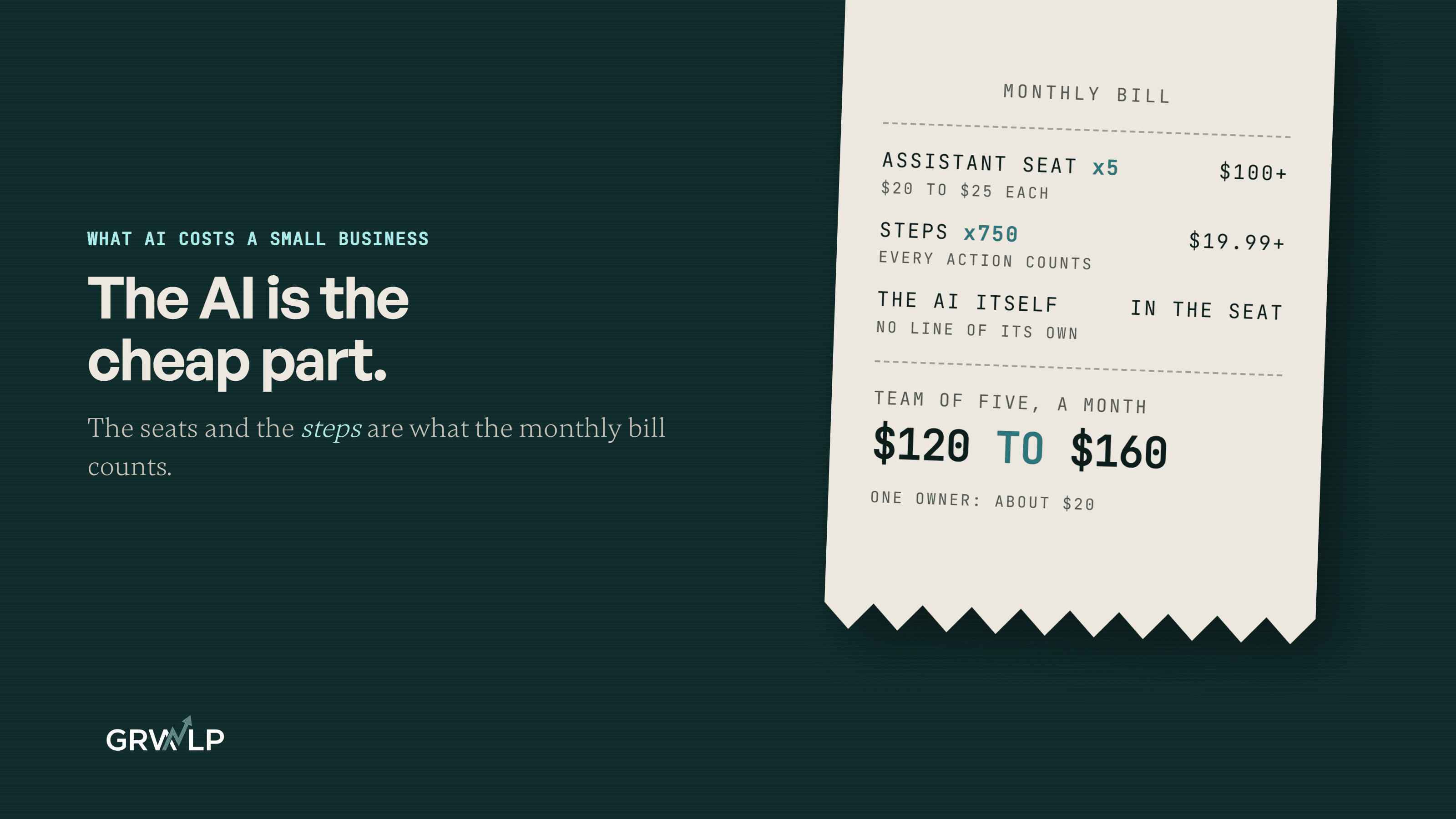
One owner on a no-code forum thread added up what they were paying for: an automation platform, a database, a scheduling plugin, a payment integration and a messaging plugin, roughly $800 a month, and the system still broke every week. They had automated an impressive multi tool workflow before automating the boring single step that would have told them whether the workflow was needed at all.
The automation consultant Guillaume Belisle makes the sharper version of this point: the fastest way to make a bad workflow permanent is to automate it. A process that is still being figured out should be settled on paper first, because changing your mind in a document costs nothing and changing your mind in a system that five tools depend on costs a rebuild.
There is a real number behind the cost of doing nothing too, with a caveat attached. A July 2025 survey of 500 US professionals by Parseur and QuestionPro found respondents spent more than nine hours a week transferring data by hand, at a cost the survey put near $28,500 per employee per year. Parseur sells document automation software, so treat the figure as an order of magnitude from an interested party rather than an independent finding, which is exactly how this page is using it.
What did the first automation look like for a real business?
Boring, and that is what made it work.
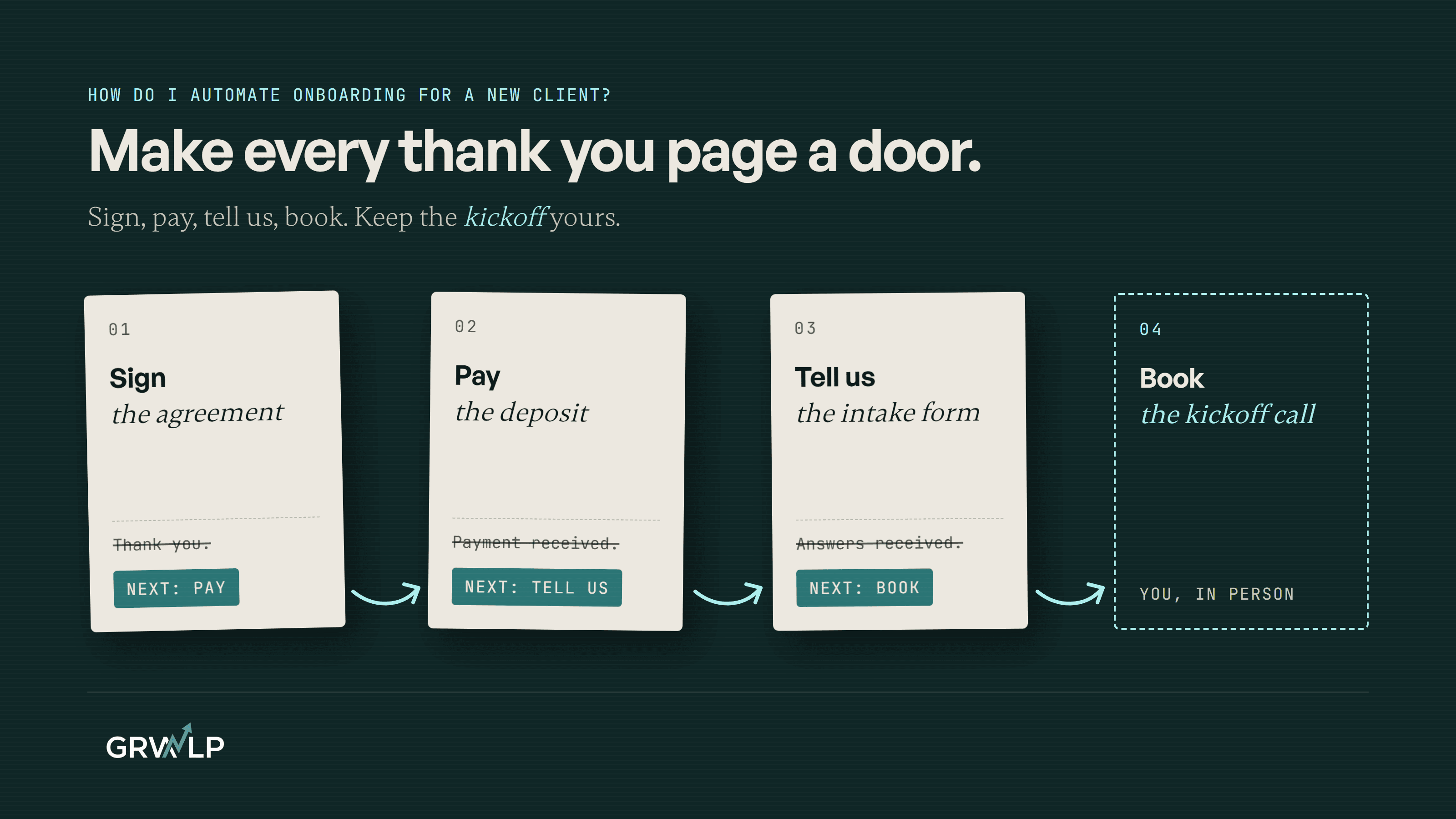
Baye Business Solutions is a cloud services company in Lagos with about 25 employees and real partnerships with Microsoft, Adobe and Cisco among others. None of that showed up online. The old site had no pages for most of its own services, no analytics, and no intake forms at all, which meant there was nothing for an automation to trigger from because no enquiry had anywhere structured to land. The rebuild gave every service its own page for the first time, and wired the new intake forms into an email flow inside Zoho Marketing Plus, so a lead who filled in a form entered a sequence automatically instead of sitting in an inbox until somebody remembered to reply. Nothing about that first build was clever. It was plumbing. As the Baye Business Solutions case study puts it, every system built for that project became a template refined on later ones, which is what a boring first automation is supposed to do: hold still long enough to be reused.
Do you need to hire somebody, or can you do this yourself?
When to build it yourself, and when to bring in help
| Your situation | What to do |
|---|---|
| One clear top scoring task, inside a tool you already pay for | Turn on the tool's own automation, whether that is a native trigger inside your CRM or something built with Zapier. This is a weekend, not a project |
| The task crosses several tools that were never designed to talk to each other | Bring in somebody, because the seams are where it will break, the same argument made in full in the integration layer |
| You have tried twice already and it keeps breaking | Bring in somebody. That is usually a sign the pieces were sold separately and nobody owns the join |
| You are not sure which task actually wins the score | Run a Growth Audit. You get the ranked list and a number, written down, whether or not you build it with us |
The honest answer for most first automations is that you do not need to hire anyone. If your highest scoring task lives inside a tool you already pay for, the built in automation will probably do it, whether that is a native trigger or something built with Zapier, the same kind of workflow Growveloper's own AI and automation page describes under CRM automation and smart alerts. Bring somebody in once the work crosses systems that were never designed to talk to each other, the case made in full in the integration layer, or run a Growth Audit first if you are not sure which task actually wins.
How do you know the first automation actually worked?
Watch the thing it replaced, not a dashboard about it.
If you automated the enquiry alert, count how many enquiries went a full day without a reply, before and after. If you automated the spreadsheet, check whether anybody has corrected a wrong number in the last month. If you automated the reminder, watch whether the thing it chases, the invoice or the appointment, actually moves faster. The proof is in the task, not in a report about the task.
Where do you start this week?
Open a document and write down every task on your list, then score each one on the four questions above and rank them.
Do not start with the one you find most interesting to build. Start with the one at the top of the ranked list, however dull it looks, and ship it before you look at anything else on the page. That single boring win is worth more this month than the impressive automation still sitting in your notes, and it is the only way to find out honestly whether the next one is worth building at all.
“If it would look impressive in a demo, it is not the automation to build first.”
Written by Oyekola Obajuwon
Last updated
automation · small business · workflow · prioritization · boring automation