How do I get my marketing numbers sent to me every month without building a report?
What Google Analytics, Search Console and your ad accounts will email you every month for free, and the one number none of them can send.
TL;DR
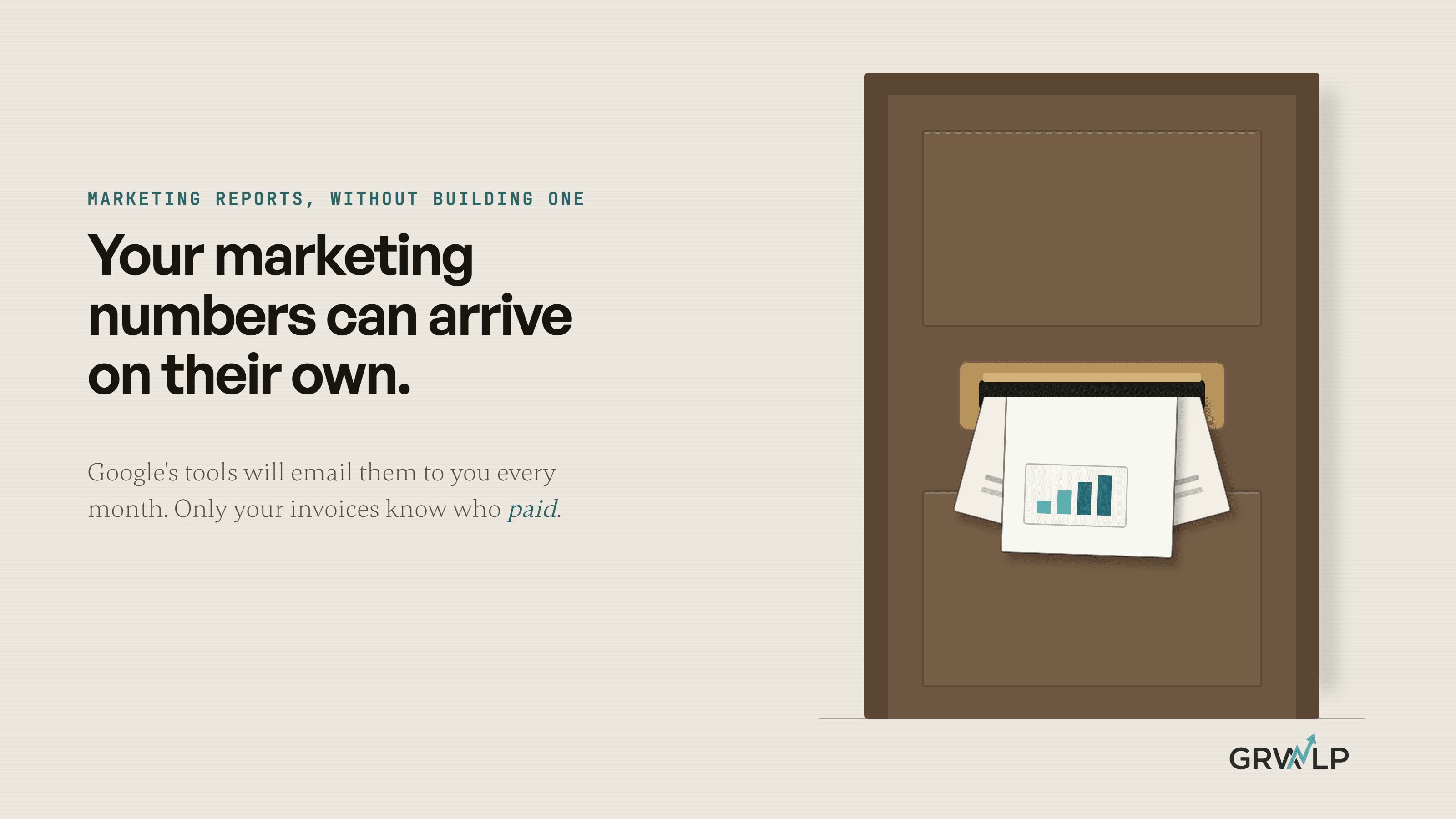
Turn on the scheduled emails your tools already have. Search Console emails site owners a monthly summary, and Google Analytics and Google Ads can each email you a saved report on a schedule. None of them can see which enquiries became paying customers, so that number still comes from your own invoices or bookings.
Last updated 26 October 2026. Written by Oyekola Obajuwon, founder of Growveloper, a growth studio that builds the website, the marketing and the follow up for owner run businesses in the United States, the United Kingdom and Nigeria.
Turn on the scheduled emails your tools already have. Search Console emails site owners a monthly summary, and Google Analytics and Google Ads can each email you a saved report on a schedule. None of them can see which enquiries became paying customers, so that number still comes from your own invoices or bookings.
Every tool you already use keeps score. Most of them will also post the score to you once a month, for free, if someone ticks the right box. You may want a paid reporting tool one day, but start here. Each email comes with a catch, and one of the catches tells you something more important than any number in it.
Which marketing numbers can I get emailed for free?
Here is what each tool sends without anybody building a report.
What each tool will email you, and the catch
| Tool | What it emails you | The catch |
|---|---|---|
| Search Console | A monthly summary of clicks from Google Search | Owners only, after three months of data |
| Google Analytics | Any standard report, as a PDF or CSV | Administrators only, and it ends after 12 months at most |
| Google Ads | Any saved table, as a PDF or CSV | Only to people with access to the account |
| Meta Ads Reporting | A recurring saved report | Meta's own ads only |
| Data Studio | One PDF combining the others | Someone builds the dashboard once |
| Google Business Profile | Nothing on a schedule | You open the performance page yourself |
Search Console's monthly email is the only one that arrives without you lifting a finger. Google's help page sets the condition: "If you own a property in Search Console, you might receive a monthly email". It shows clicks and impressions from Google Search and which pages grew, once the site has been collecting data in Search Console for at least three months.
Google Analytics and Google Ads both let you schedule any report you can open. Google Ads sends it "to you or other people who have access to your account". Meta's Ads Reporting can run a recurring report on your Meta ads and send it to email addresses.
The one that catches local businesses out is Google Business Profile. Its performance page counts every tap on the call button on your profile, an enquiry your website's analytics never sees. Yet its notification settings cover reviews, photos, bookings and account changes, and none of them is a monthly count. Put a monthly reminder in your calendar and open it yourself.
How do I set up the monthly email in Google Analytics?
It takes one sitting. Do these in order.
Make sure it counts enquiries first
Google Analytics only counts an enquiry once you have marked it as a key event: a thank you page visit, a phone tap, a WhatsApp tap. My guide to tracking website enquiries walks through it. Skip this and the email will faithfully send you a month of visits and nothing you can act on.
Schedule the report
Open the report, click Share this report, then Schedule Email. Choose Monthly and PDF. Google allows up to 50 recipients, picked from the people who have access to your Analytics property, so add yourself and anyone who needs it.
Send it on the 4th, not the 1st
Google's own page explains why: "Events can take up to 72 hours from when they were sent to be processed by Google Analytics." A report sent on the 1st may be missing the last 3 days of the month before. Google's advice is specific: "Consider scheduling reports for the 4th day of the month so you include all late hits."
Set it for 12 months, then set a reminder
Google's form reads "Select how long the report will be active for, between 1 to 12 months." When that runs out, the status in Admin changes to Expired and the emails stop. An email that stops arriving is easy not to notice, so put a reminder in your calendar for eleven months from the day you set it up.
Read the first one properly
When the first email lands, check the enquiries line against your inbox. If it says zero in a month you know people got in touch, the tracking is broken, not the business.
Why can't I see the Schedule Email option?
Because you are probably not an administrator on your own Google Analytics. Google says it in one line: "Only administrators can schedule emailed reports."
If you cannot find the button, you are probably not an administrator on your own analytics, and that matters more than the report. The same rule runs through the whole table. Search Console's email goes to the property's owners. Google Ads sends only to people with access to the account. And a Google Analytics email stops on its own if the person who set it up loses access; Google's help page lists that status as Creator invalid. So an email your agency set up stops the day the agency is removed, and the history sits in accounts they control.
Treat the missing button as a test you have just been given for free. Ask for administrator access to Analytics, owner access to Search Console and admin access to every ad account, on your own business email, before you ask for anything else. My piece on whether you own your website has the full list of logins to check.
Which number will no tool send me?
How many enquiries became paying customers, and what they were worth.
A monthly marketing report should open with three numbers: what you spent, how many enquiries came in, and how many of them paid you. The emails cover the first and part of the second. Your ad accounts know what you spent. Google Analytics knows the form fills and taps it was told to count. Neither knows that the person who filled in your form on the 9th paid a deposit on the 20th, unless someone feeds it back to them.
That number lives in your invoices, your booking diary or your bank statement. When I built the platform for RideOn Nigeria, a chauffeur service in Lagos, customers had been booking through WhatsApp and the admin ran on spreadsheets and chat threads, while the owner ran the business from Canada. Once bookings came through the platform, one of its scheduled jobs ran every month and generated the partner invoices on its own. It could only do that because the bookings already lived in the platform. That is the whole trick: a number arrives by itself once the records behind it sit in one place.
Most businesses are not there, and do not need to be. Until they are, the customers number is one person counting paid invoices once a month and typing it into a spreadsheet in your own Google account, next to the emails that arrived that morning.
Can I get every number in one email?
Yes, if you are willing to build one thing once. Google's free dashboard tool used to be called Looker Studio, and plenty of guides still call it that, but Google's own documentation now says "Looker Studio is now called Data Studio." You connect Analytics, Search Console and Google Ads to one dashboard, then schedule it. In Google's words, "Scheduled email delivery lets you regularly send an email with the report attached as a PDF file."
The free version's limits sound tight and rarely matter for an owner: one schedule per report, sent at most once a day, to no more than 50 addresses, with the person who set it up always on the list. A monthly PDF to you fits easily inside that.
What it does not change is the customers number. A dashboard can only show what it can read. Your paid invoices stay invisible to it until someone types them into a Google Sheet, which it can read.
When is it worth paying someone to automate the report?
Not until the free emails and one typed number stop being enough. One website, one or two ad accounts and a booking diary are covered by what is above.
It is worth paying when the customers number takes real digging: enquiries arrive by form, phone, WhatsApp and email, payments come in by several routes, and nobody can say which ad a paying customer first came from without going through the month by hand. That is a joining job, not a reporting job. A CRM, one shared record of every lead, is usually the first fix, and the automated report sits on top of it.
That joining work is part of what I build in AI and automation. If you want to know whether your numbers need it, the offer is a free 30-minute call, no pitch, and 20% off if we build, booked at cal.com/growveloper/30.
Let the tools email you what they saw. Only your invoices know who paid.
“If you cannot find the button, you are probably not an administrator on your own analytics, and that matters more than the report.”
Written by Oyekola Obajuwon
marketing reporting · automated reports · Google Analytics scheduled email · Search Console monthly email · Google Ads scheduled report · Data Studio · Looker Studio · small business