What does a website I can edit myself actually look like?
What an owner should be able to change on their own website, which login protects the design, and how to test it before hiring anyone.
TL;DR
A website you can edit yourself is one where the changes you make most, like prices, hours, photos and a new service page, take you minutes without a developer, and your login cannot break the design. Before you hire anyone, ask for the list of what you will be able to change, then make those edits yourself in a demo.
Last updated 1 October 2026. Written by Oyekola Obajuwon, founder of Growveloper, a growth studio in Lagos that builds the website, the marketing and the follow up for owner run businesses in Nigeria, the United States and the United Kingdom.
A website you can edit yourself is one where the changes you make most, like prices, hours, photos and a new service page, take you minutes without a developer, and your login cannot break the design. Before you hire anyone, ask for the list of what you will be able to change, then make those edits yourself in a demo.
Any builder can say you will be able to edit the site yourself, and our own development page says it too. What it means only shows up when you try: a price that needs an email and three days, a new service with no way onto the menu, a login so powerful that one wrong click moves the whole layout. This piece is about finding that out before you pay.
Who builds business websites with a CMS I can edit myself?
Almost everyone does, which is why the question is really about what "edit" will mean. A CMS, short for content management system, is the part of a website where you change words, prices and pictures without touching code. WordPress, Wix, Squarespace and Webflow each come with one built in. Custom builds, including ours, connect a separate one: we use Sanity.
WordPress alone runs 40.2% of the top 10 million websites, according to W3Techs' survey for 1 October 2026. So the CMS itself is rarely the problem. The problem is the gap between "there is a login" and "I can make the change I need, today, without breaking anything."
What should I be able to change without a developer?
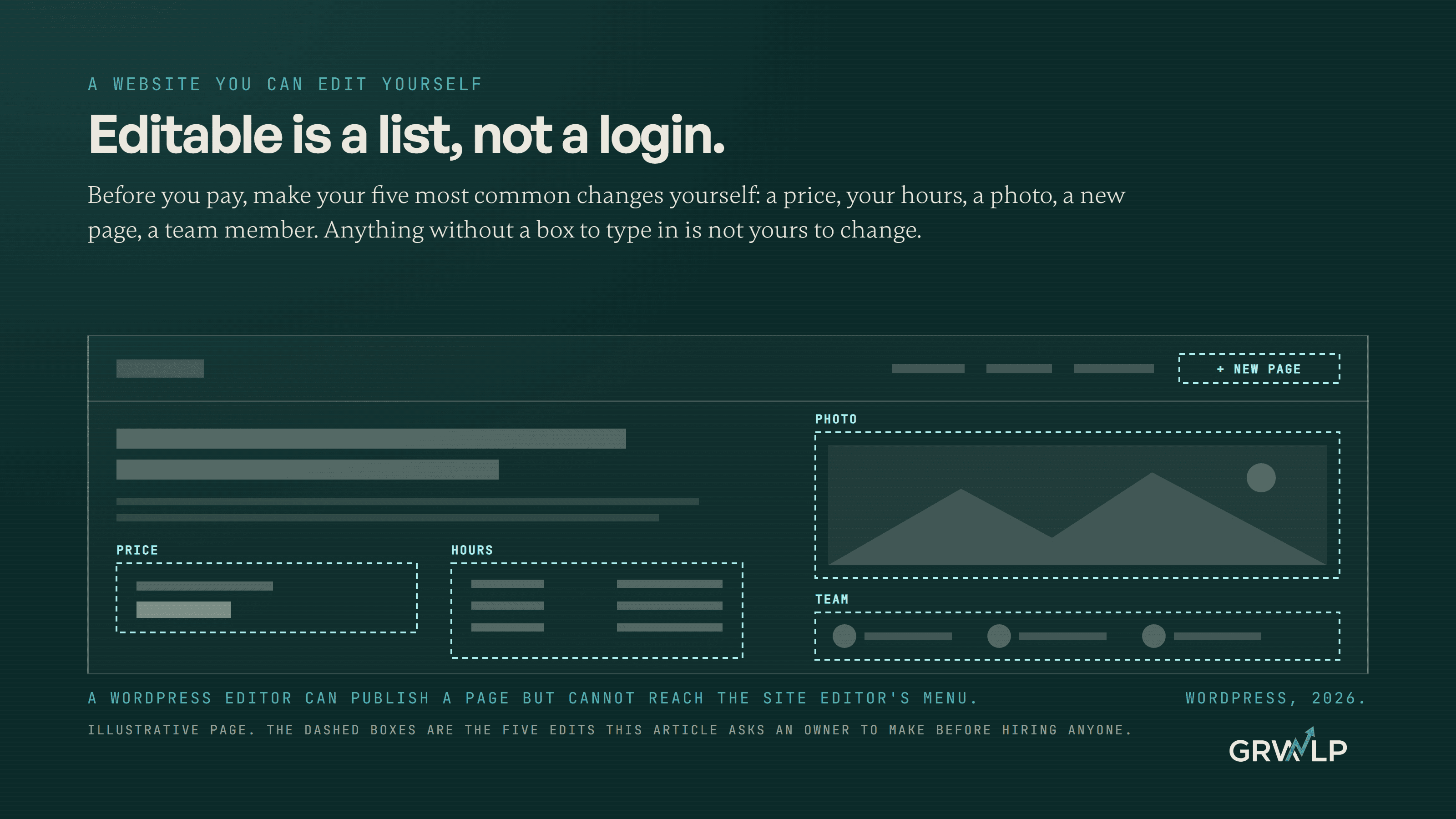
The five things that go out of date fastest. If you cannot change these yourself, the site starts telling customers things that are no longer true.
The five edits an owner should be able to make alone
| The edit | Why it matters | What good looks like |
|---|---|---|
| A price | A customer quotes the old one back to you | One field, live in a minute |
| Opening hours and holidays | People call or turn up when you are closed | One place, matching your Google profile |
| A photo | Old photos show work you no longer do | Upload from your phone |
| A new service page | Each service needs its own page to be found | A page from a template, added to the menu |
| A team member | People join and leave | Add or remove one person in one form |
Hours matter beyond the website. Google says, in its tips on local ranking, that "businesses with complete and accurate info are more likely to show up in local search results", and it lists your hours, including special hours, as part of that information. A website that disagrees with your Google profile is one of the two telling a customer something false. And the new service page is how you get found for each thing you do, which our local SEO checklist sets out.
Can I edit my website without breaking the design?
Yes, if your everyday login is a content role, not the master key. Every major platform has one, and every one has a catch worth knowing before you rely on it.
The login that lets you edit without touching the design
| Platform | The role to ask for | What it is limited to |
|---|---|---|
| WordPress | Editor | Posts, pages and uploads; no plugins, themes or Site Editor menu |
| Squarespace | Website Editor | Content on existing pages; no new pages, no style changes |
| Wix | Content Writer | Text, links, media and existing CMS collections |
| Webflow | Content editor | Text, images, links and CMS items; no styles or structure |
| Sanity | Editor, on its Growth plan | Reading and writing content; limited project settings |
WordPress: you can publish the page, not always add it to the menu
The WordPress roles documentation describes an Editor as "somebody who can publish and manage posts including the posts of other users", and its table gives the Editor pages and uploads but not plugins or themes. The catch is one permission, called edit_theme_options, which the same page says "grants access to the Site Editor and its navigation menu." Editors do not have it. So on a site whose menu lives in the Site Editor, you can publish a new service page and still need someone else to put it in the menu.
Squarespace: you can fill pages, not add them
Squarespace's permissions page says a Website Editor "can add products, blocks, and other content to existing pages", and cannot add new pages or change styles. Safe for the layout. Awkward the day you launch a new service.
Wix and Webflow: content only, by design
The Wix roles overview gives a Content Writer the power to "edit text, links, and media sources in the site editor" and work in existing collections, and lets the owner build custom roles. Webflow's content editor guide lets that role "edit site content, including text, images, and links", and rules out changes to "the site's styles or structure."
Sanity: the roles depend on the plan
We build on Sanity, so this one is ours to say plainly. Its roles page lists Administrator and Viewer on every plan, and Editor and Contributor only on its Growth and Enterprise plans. Its pricing page puts Growth at $15 per seat a month. On the free plan you are either the administrator of everything or able only to read. Ask any builder who uses it which plan your site will run on and which role you will log in with.
Whichever platform you end up on, keep one administrator account in your own name for emergencies, and use the content role day to day. Our piece on freelancers, agencies and studios covers why the master keys belong to you.
What is different about a custom build?
On a website builder, the platform decides what you can edit. On a custom build, the developer does. Sanity's own Studio overview says it is a workbench "where developers define content models using JavaScript objects", and that it "automatically generates a powerful editing environment based on these definitions." In plain terms, every box you can type into exists because the developer made it. Anything they did not make a field, you cannot change. Not slowly, not with effort. At all.
That is not a flaw. It is a decision, and it should be yours as much as theirs. Our web development process puts it in the first one to two weeks: "design your content model and analytics schema before writing any code." That is the meeting to bring your list to.
When we built VIP Creative Studio's site, moving them off a single Wix landing page, the case study counts over 100 fields editable from the Studio. The team could change hero headlines, swap testimonials, add team members, publish blog posts and manage questions and answers, and they got a written CMS guide so people who do not code could run it alone. A hundred fields sounds like a lot. Each one is a sentence somebody can change without asking.
Custom builds can also show you the change before it goes live. Sanity's visual editing lets editors "see drafts render on the live site or a preview environment, click any element to jump to the right field, and watch content update as they type." Ask whether your build includes it. It is the difference between filling in a form and editing the page you can see.
How do I test it before I hire anyone?
Run the edit test. Before you sign, ask the builder for a demo login on a staging copy of a site they built, the same platform and the same setup yours will have. Then, with your hands on the keyboard and theirs off it, make the five edits from the first table:
Change a price and an opening hour
Time it. If it takes longer than a few minutes, or you have to ask where it lives, that is how every change will feel.
Swap a photo from your phone
If the photos of your work live on your phone, uploading one should not need a laptop and a resizing tool.
Add a new service page, and find it in the menu
This is where the catches in the second table show up. Watch whether the page appears in the navigation or waits for someone with more access.
Add and remove a team member
People leave, sometimes suddenly. Removing one should take a minute, not a request.
Then ask three questions out loud: which role will I log in with, who holds the administrator account, and what does the plan that gives me this role cost. If the builder cannot show you the demo, assume every change will go through them.
Should I be able to change the design myself?
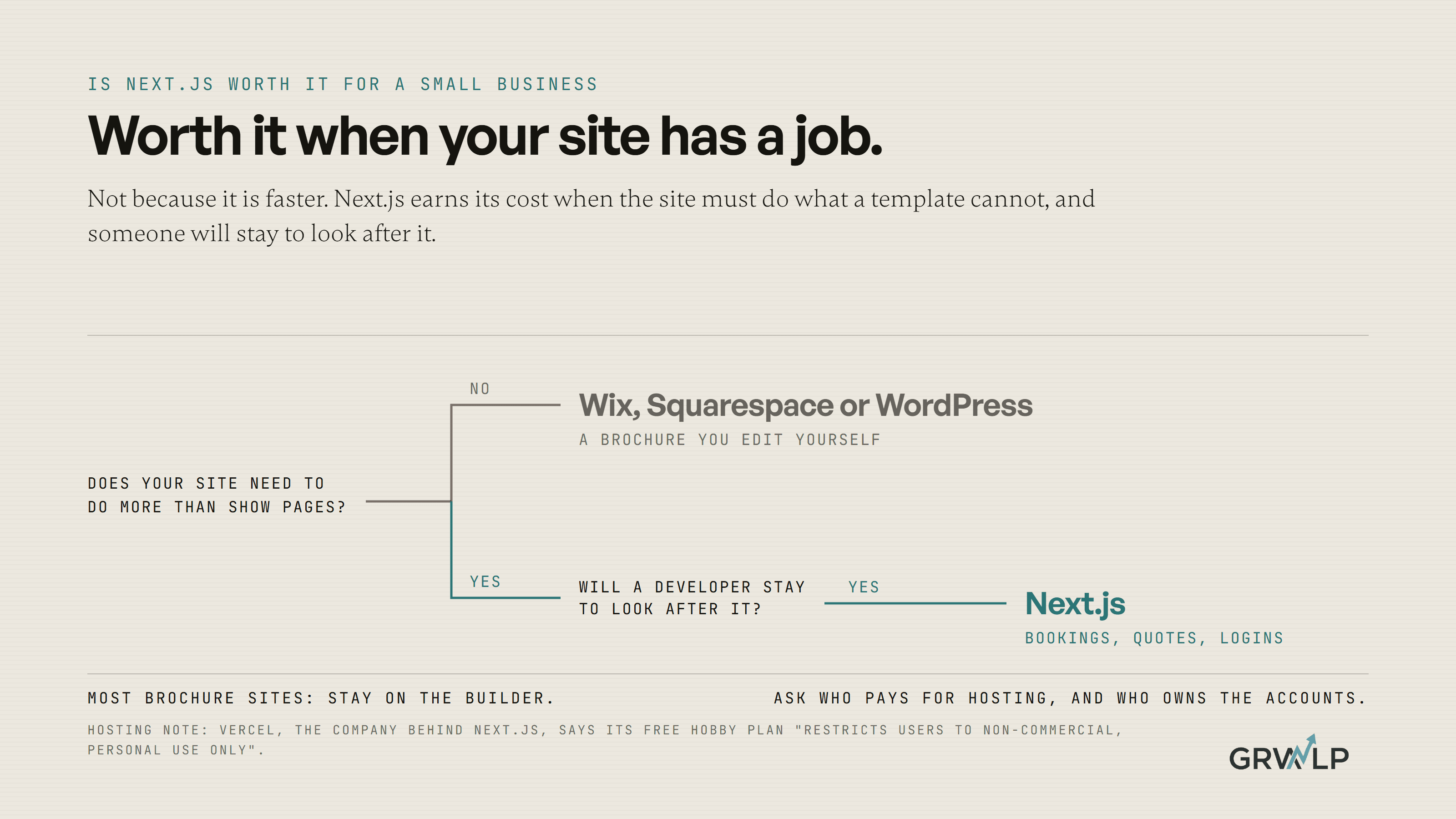
Usually not day to day, and that is the point of the roles above. Your words, prices, photos and pages should be yours. The layout, the styles and the code are better behind a login you use rarely and on purpose. If you rarely change anything at all, a simple builder may be all you need, which our pieces on Wix versus hiring a developer and whether Next.js is worth it both say plainly.
If you want help writing your own edit list before you talk to anyone, including us, there is a free call.
Editable is not a feature on a sales page. It is five changes you made yourself, on the builder's demo, before you paid.
“Editable is not a feature on a sales page. It is five changes you made yourself, on the builder's demo, before you paid.”
Written by Oyekola Obajuwon